

Start here
Importing statements
Every bank, the common formats, duplicates skipped and one click to undo.
RoyalWallet works with practically every bank, because you bring the statement yourself. We never ask for your bank password.
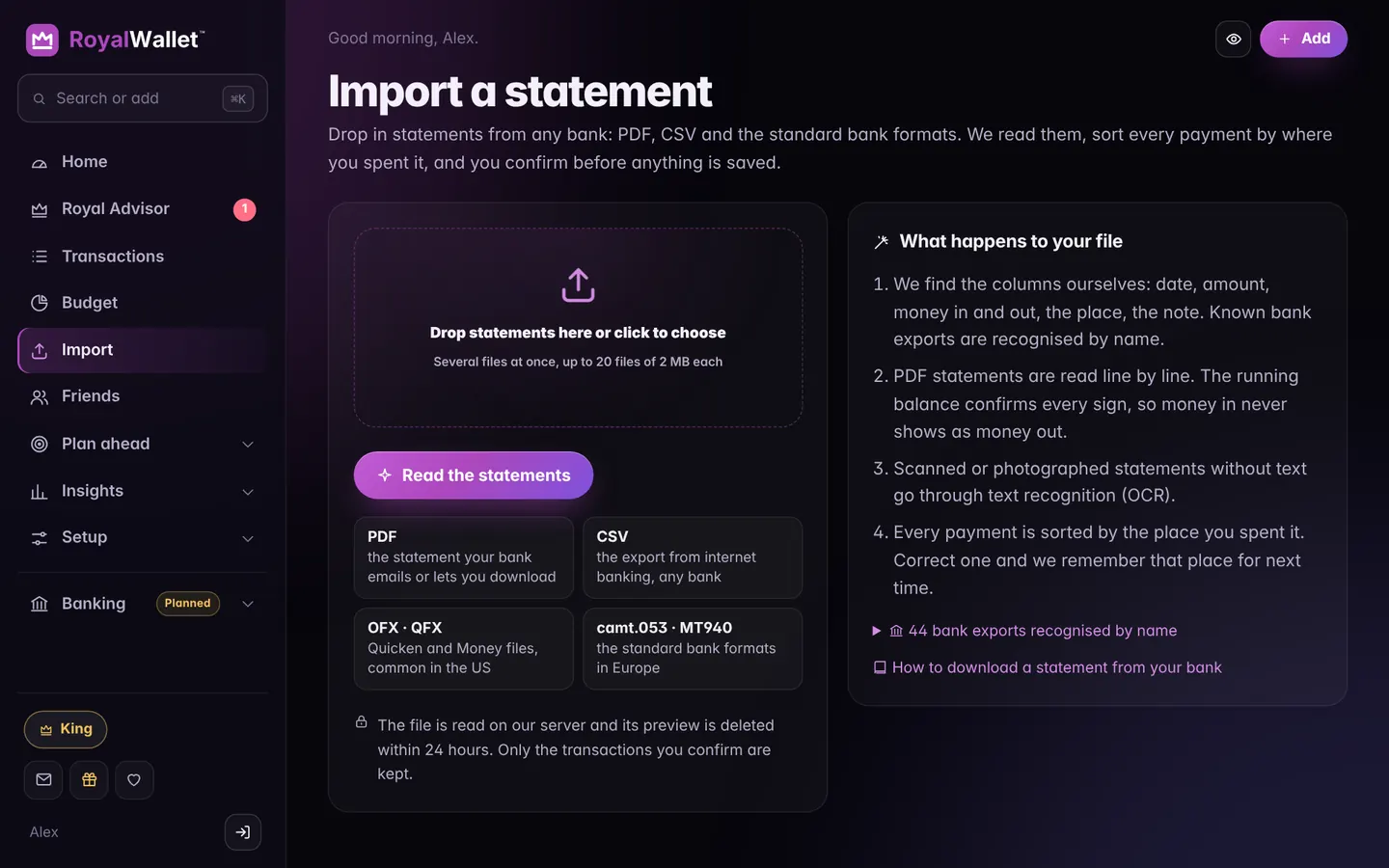
Formats
| Format | Notes |
|---|---|
| CSV | The cleanest result; offered by almost every bank |
| Digital PDFs on every plan; scanned or photographed ones on Duke and King | |
| OFX and QFX | Common in the US |
| CAMT.053 and MT940 | European standard bank formats |
How it works
- Open Import and drop the file in.
- Check the preview: we found the date, amount and description for you.
- Choose the account and confirm. Only the lines you confirm are kept; the file itself is discarded.
Good to know
- Duplicates are skipped automatically.
- Undo any import under Import → History.
- Edit import shows all transactions of an import in one table: change categories, delete lines, flip the signs or move them to another account.
- Money in and out swapped? Use Flip the signs.
Imports on each plan
| Plan | Imports |
|---|---|
| Commoner | One statement from one bank a month |
| Duke and King | Unlimited, from every bank, any time, including scanned PDFs |
On Commoner, choose the bank you use most and download a whole month, or longer, in one file. An import you undo no longer counts.