

Start here
Quick start
Five steps, about five minutes: from an empty account to a budget that runs itself.
RoyalWallet brings all your accounts together, sorts every payment for you and shows what you can safely spend today. Here is the fastest way there.
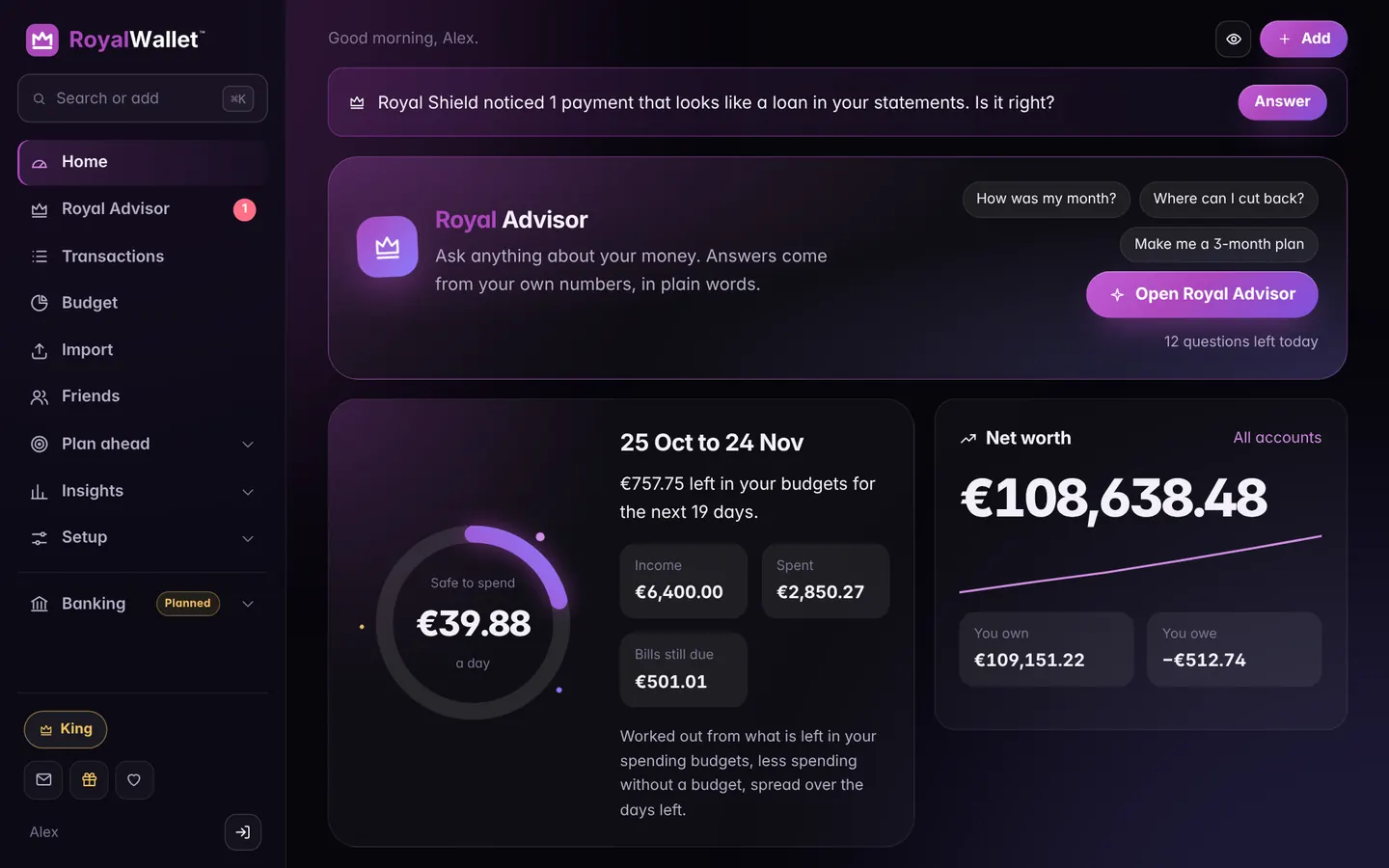
1. Create your account
Go to royalwallet.money and choose Get started. An email address and a password are all you need.
New accounts can unlock King free for 14 days: solve the royal riddle on your home page. No card needed.
2. Download one statement
In your internet banking, download the last month (or longer) as CSV, or as PDF. Not sure where? See Downloading a statement and the bank guides.
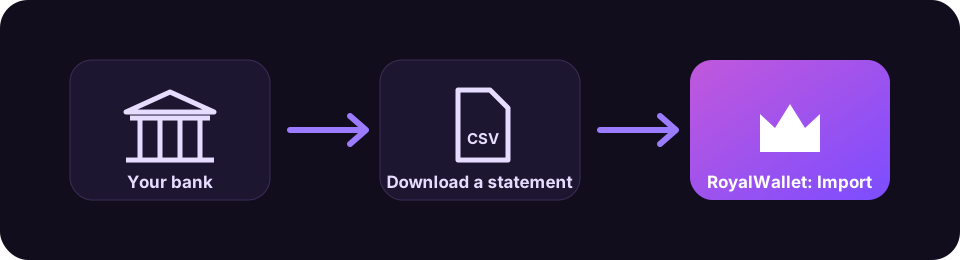
3. Import it
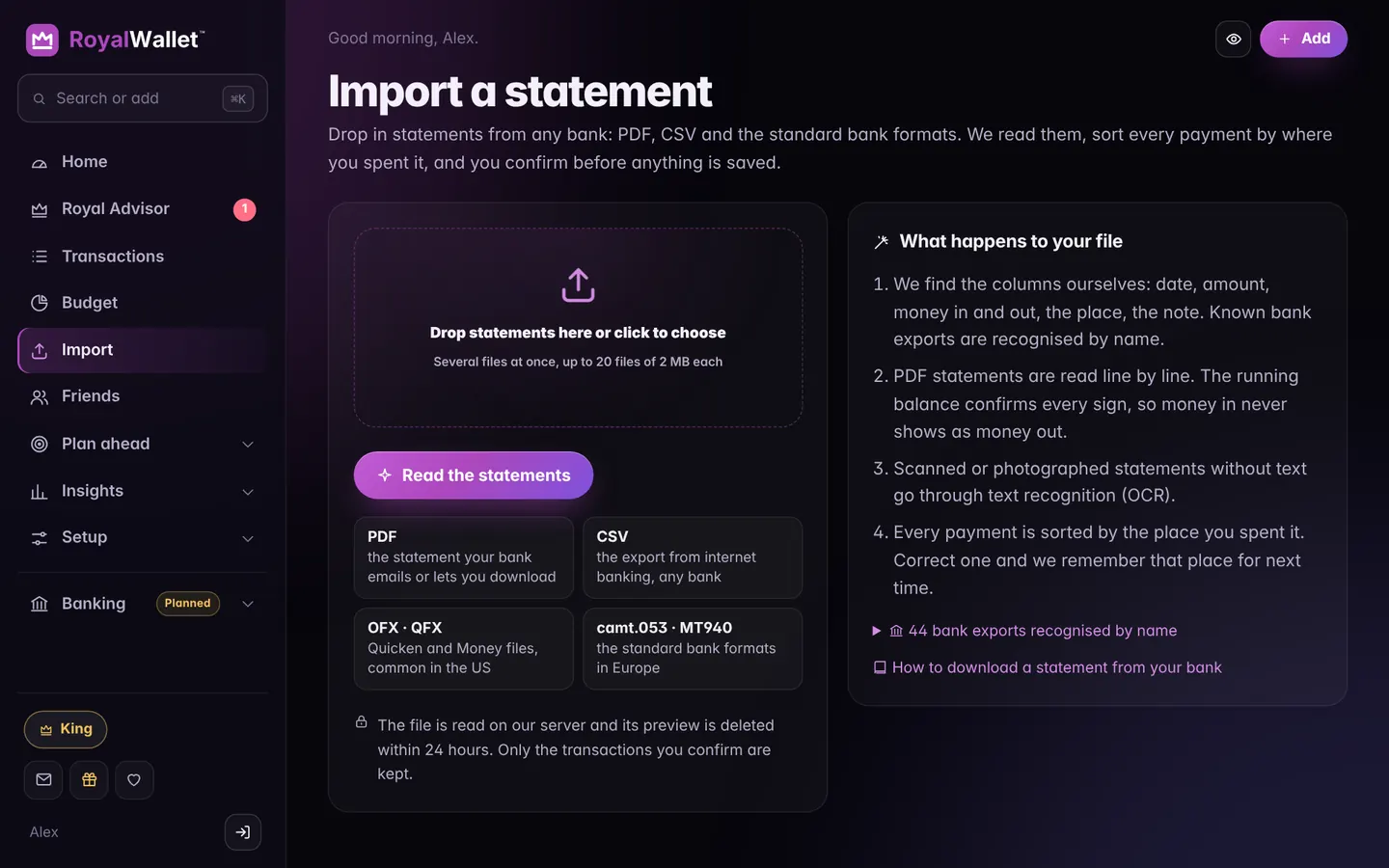
Open Import, drop the file in and confirm. We find the columns and sort every payment by where you spent it.
4. Set your budget
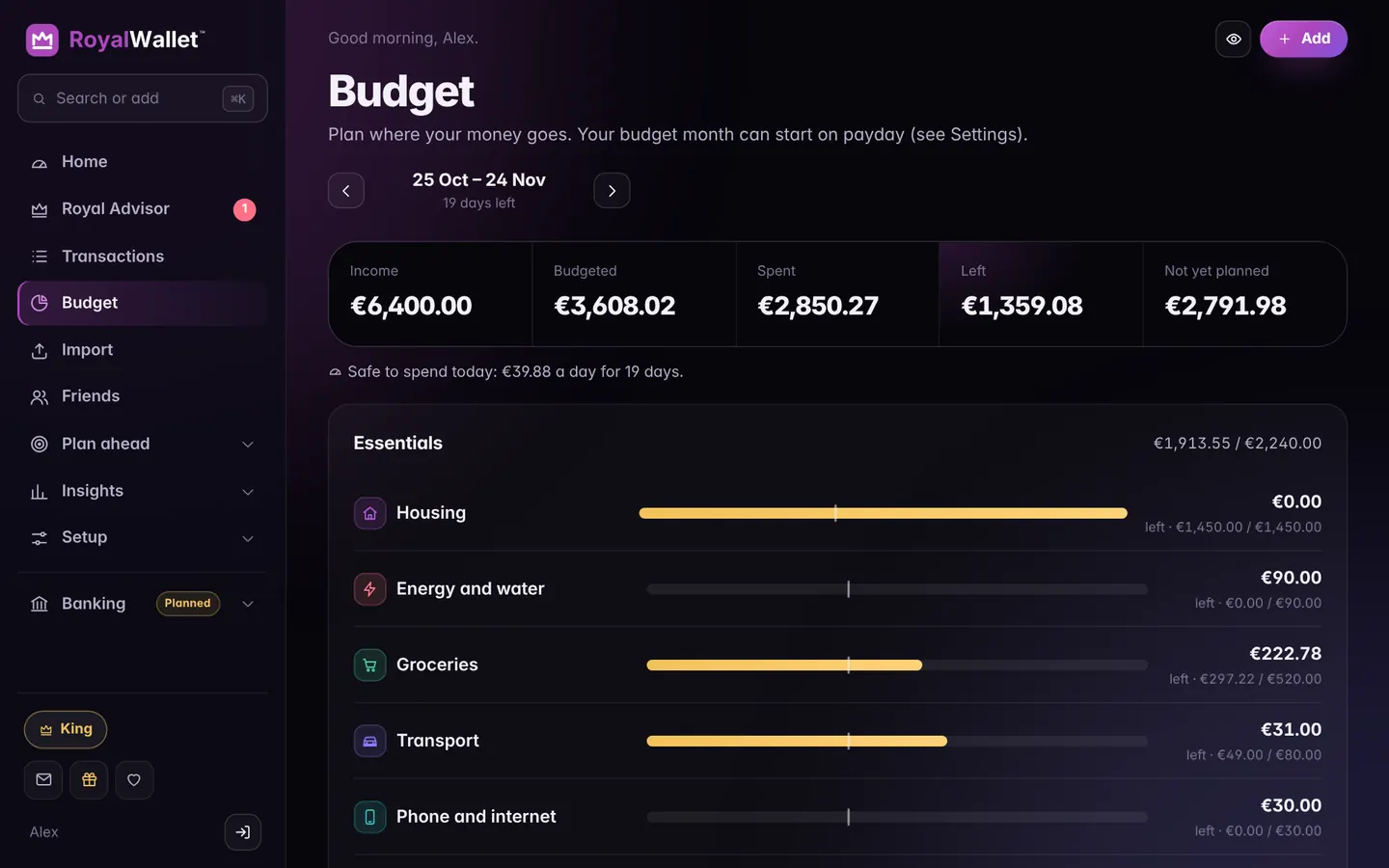
Open Budget and fill it from your average spending in one tap. From then on, Home shows what is safe to spend today.
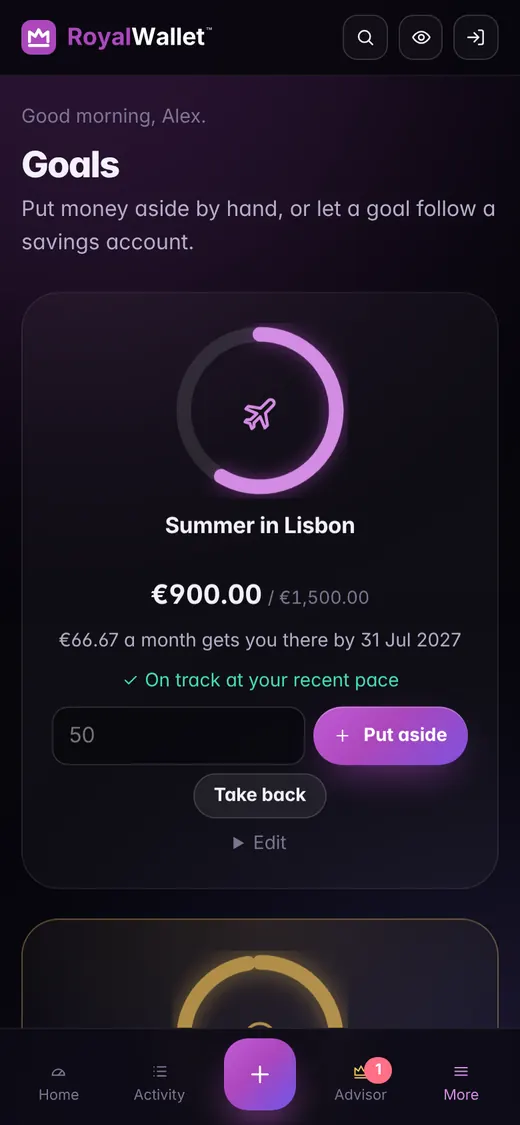
5. Name a goal
A holiday, a cushion, a new laptop: RoyalWallet works out how much to put aside each month.
Prefer to look around first? Open the demo on the homepage: seven months of sample data and every King feature, deleted after 24 hours.