

Bank guides
N26
Export your N26 transactions as CSV from the web app.
On the N26 website
- Sign in at app.n26.com.
- Open your account and find Downloads.
- Choose CSV export, set the period and download.
Your monthly statements are also available there as PDF.
In RoyalWallet
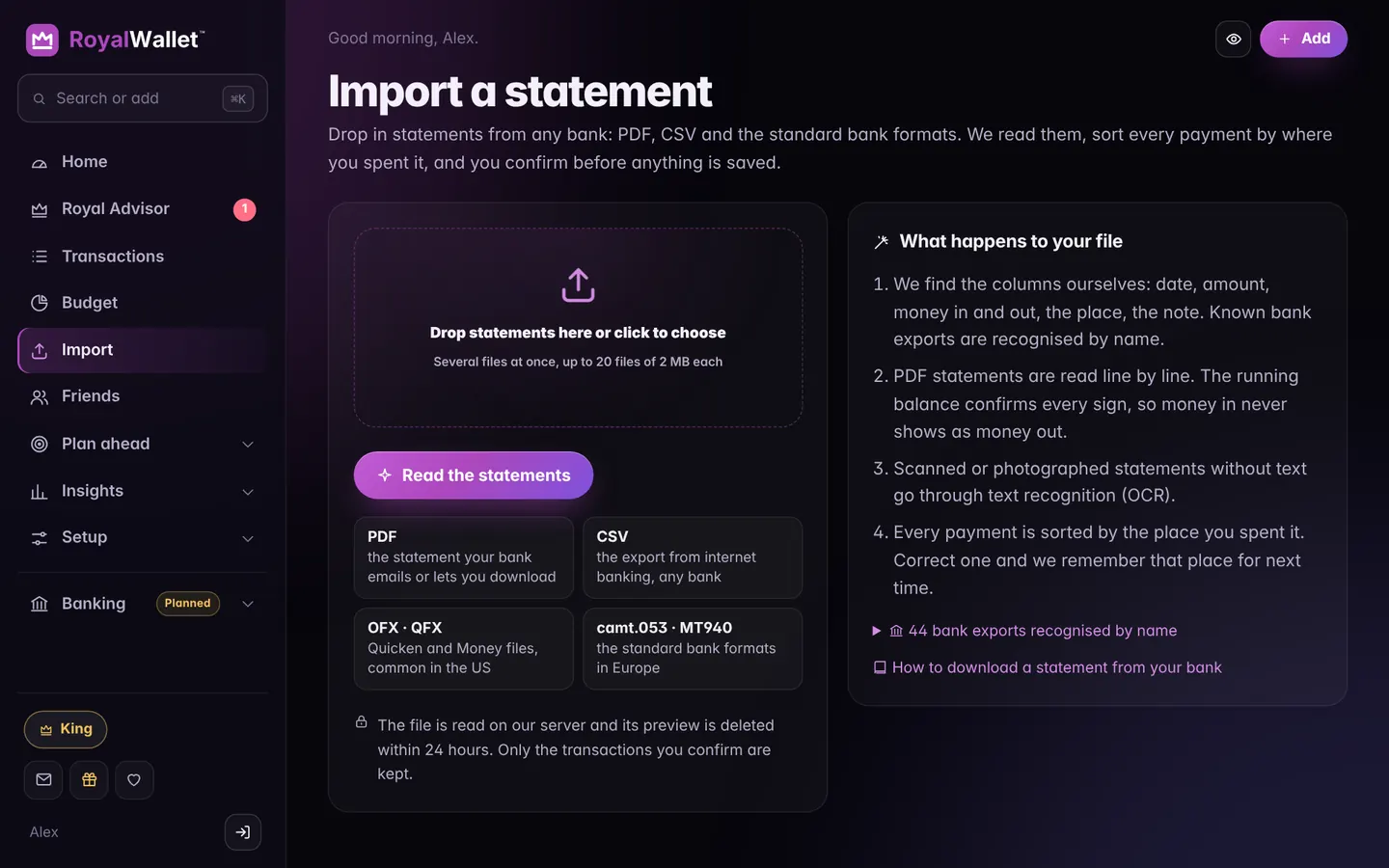
Open Import and drop the CSV in.
Bank and product names are trademarks of their owners and are used here only to show where to find your statement. RoyalWallet is not affiliated with, endorsed by or a partner of these banks. Menus change from time to time; if a step looks different, look for “Statements”, “Transactions” or “Export”.